Every scan becomes an official record.
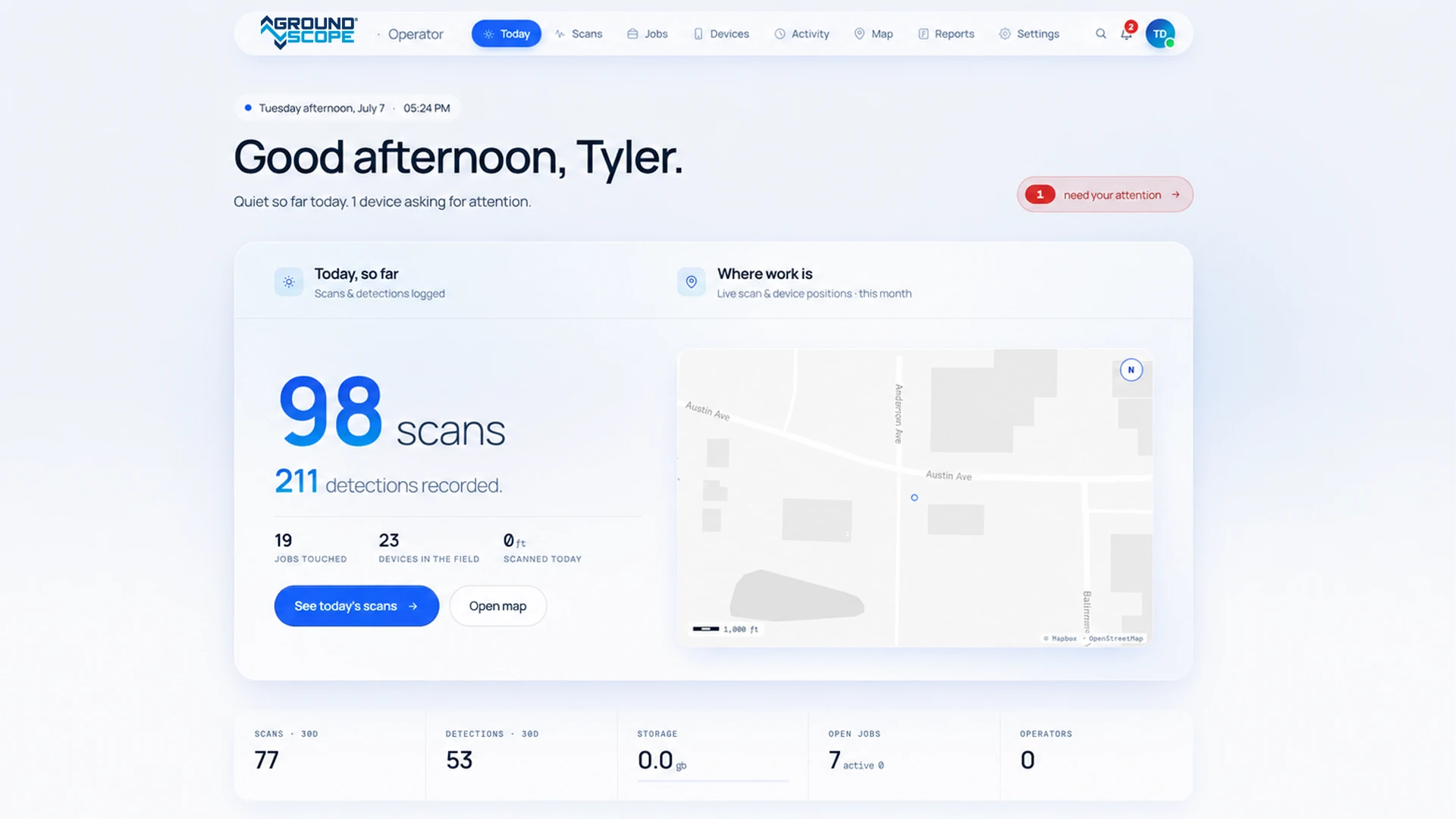
Each scan is stored in the cloud, automatically. Back at the office, the Portal shows what was scanned, where, when, and by whom.
What each record holds
A scan is not a file on a tablet. It is a record of a check that was made, with everything needed to stand behind it.
Position
The GPS line of the scan, placed on the map
Date and time
When the ground was checked
Operator and unit
Who ran the scan, and with which GroundScope
Job
The project and crew it belongs to
Detections
Every target found, and where
Built for the office as much as the field
Compliance
Damage-prevention records across every crew, ready for reporting, audits, and review.
Projects and jobs
Build project maps and jobs. Assign them to field teams and watch the scans come in.
Data and reports
Crew and device activity, shared with stakeholders. Export to CSV and GeoJSON for GIS.
Plans
An active plan is required to operate the GSX1000; it covers the AI processing, GPS positioning, and the record of every scan.
Basic
For single crews that need scanning and on-device results.
- Dig / no-dig detection
- On-device scan results
- Local scan storage
- Manual log sharing
- Operator tracking
Pro
For teams that need documentation, reporting, and visibility across jobs.
- Cloud scan history and job management
- Risk scoring and anomaly detection
- Near-miss tracking and reporting
- Advanced geophysical and layer insights
- Digital twin and data export
- Fleet management and performance tracking
- Full reporting suite and dashboards
Everything you need to know
Is the Portal required to use GroundScope?
Yes. An active plan is required to operate the unit and access AI processing, data storage, and reporting.
What's the difference between Basic and Pro?
Basic covers scanning with on-device results and limited storage. Pro adds cloud job management, reporting, analytics, and visibility across crews and projects.
Can GroundScope be used without internet?
Yes. Scans run offline. A connection over LTE, Wi-Fi, or Starlink is needed to sync records to the Portal.
Can I export scan data and reports?
Yes. Data and reports export as CSV and GeoJSON for GIS and analysis workflows.